
Scale Ruler2.12 - Get APK
You'll be able to download in few seconds.
Publisher Description
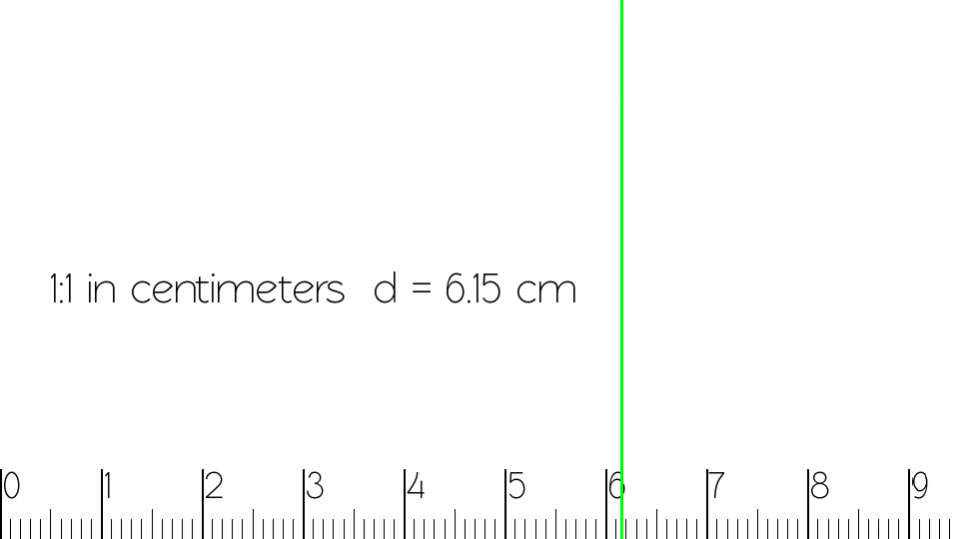
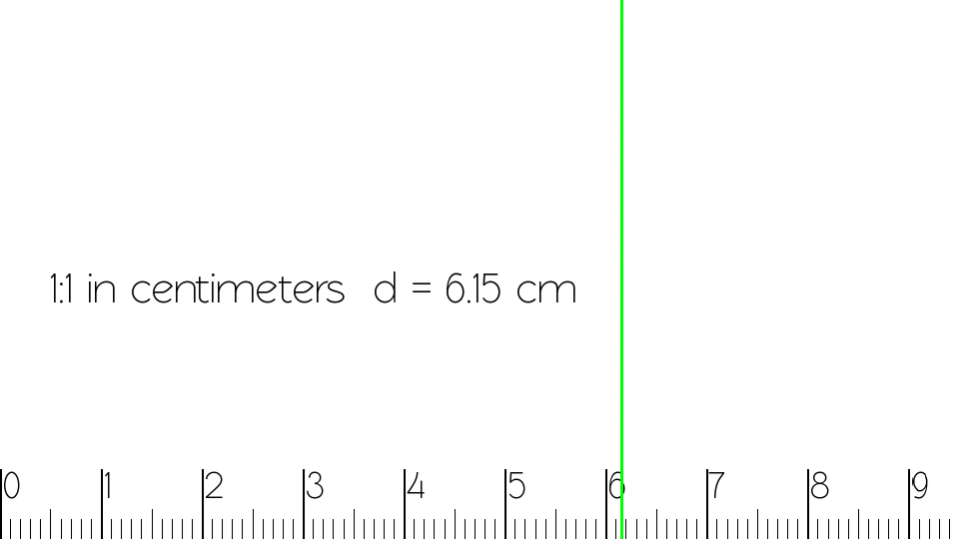

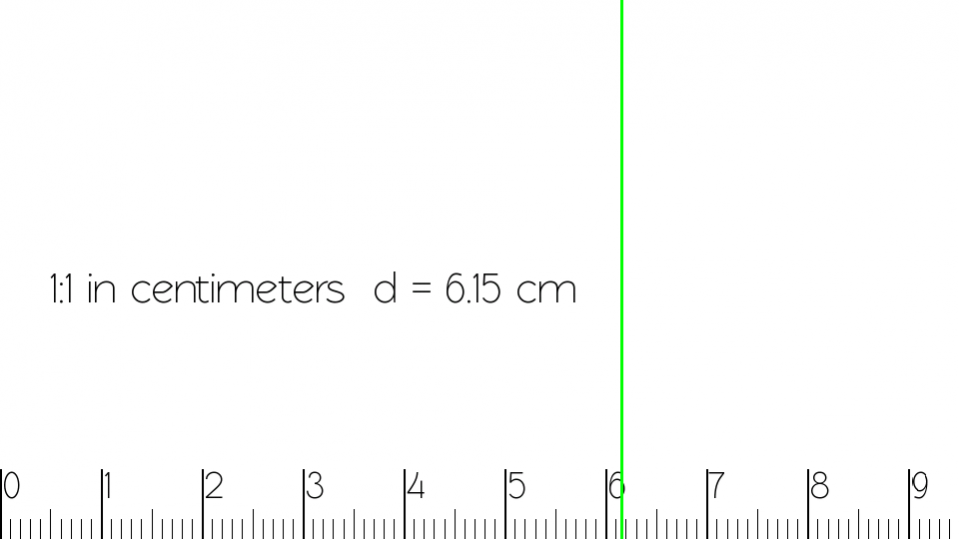
Ruler app designed for objects and maps measurement with various scales selectable. Both units system available: metric (meters) and imperial (Inches, feet and statue miles).
It's perfect tool for engineers, modelers, designers and many more.
Became beta tester for new version:
https://play.google.com/apps/testing/com.pawel.easyscaleruler
Features:
-NEW in 2.1: calibration using credit card as length reference
-Possibility to define your own scales and store them in phone.
-over 30 predefined scales
-measuring in 2 units systems
-protractor mode for angles measurement
-on screen touch marker for precise measurement
-energy saving mode for OLED screens
Energy saving (night) mode. Designed mainly for smartphones with OLED screen (saves over 50% energy).
It's possible to measure scaled models to check the corresponding dimensions against the original.
Precise distance measurement by dragging green marker and angles measurement by protractor.
It's also possible to measure distance on map in scale (in miles or kilometers).
Calibration procedure:
1. Open ruler in 1:1 scale
2. Click "Calibrate" button and place credit card at screen
3. Drag blue line to match the edge of your card
4. Press OK to save settings or Cancel to exit calibration mode without saving.
Ruler app contains mainly scales for model trains:
*0 (both 1:45 - US and 1:48 - Europe)
*00 - British scale 1:76.2
*H0 - 1:87
*TT - 1:120
*N - 1:160
*Z - 1:220
There are also ruler scales used in other scale models (planes, ships kits etc.):
*1:18
*1:43
*1:72
*1:144
Map scales:
1:50 000
1:100 000
1:500 000 (ICAO - aviation)
About Scale Ruler
The company that develops Scale Ruler is Pawel Mazur. The latest version released by its developer is 2.12.
To install Scale Ruler on your Android device, just click the green Continue To App button above to start the installation process. The app is listed on our website since 2018-12-24 and was downloaded 0 times. We have already checked if the download link is safe, however for your own protection we recommend that you scan the downloaded app with your antivirus. Your antivirus may detect the Scale Ruler as malware as malware if the download link to com.pawel.easyscaleruler is broken.
How to install Scale Ruler on your Android device:
- Click on the Continue To App button on our website. This will redirect you to Google Play.
- Once the Scale Ruler is shown in the Google Play listing of your Android device, you can start its download and installation. Tap on the Install button located below the search bar and to the right of the app icon.
- A pop-up window with the permissions required by Scale Ruler will be shown. Click on Accept to continue the process.
- Scale Ruler will be downloaded onto your device, displaying a progress. Once the download completes, the installation will start and you'll get a notification after the installation is finished.
Program Details
System requirements
Download information
Pricing
Version History
version 2.12
posted on 2018-12-24
Bug fixes
version 1.86
posted on 2015-09-29
1:86:,-Bug fixes (problems with landscape orientation in android > = 5.0),-Larger font for displays > = FHD,1.85:,-Slight UI changes,-Bug Fixes
version 1.71
posted on 2013-06-03
Several fixes and updates
Disclaimer
External Download
We do not host Scale Ruler on our servers. We did not scan it for viruses, adware, spyware or other type of malware. This app is hosted by Galad and passed their terms and conditions to be listed there. We recommend caution when installing it.
The APK Download link for Scale Ruler is provided to you by apps112.com without any warranties, representations or guarantees of any kind, so access it at your own risk.
If you have questions regarding this particular app contact the publisher directly. For questions about the functionalities of apps112.com contact us.
